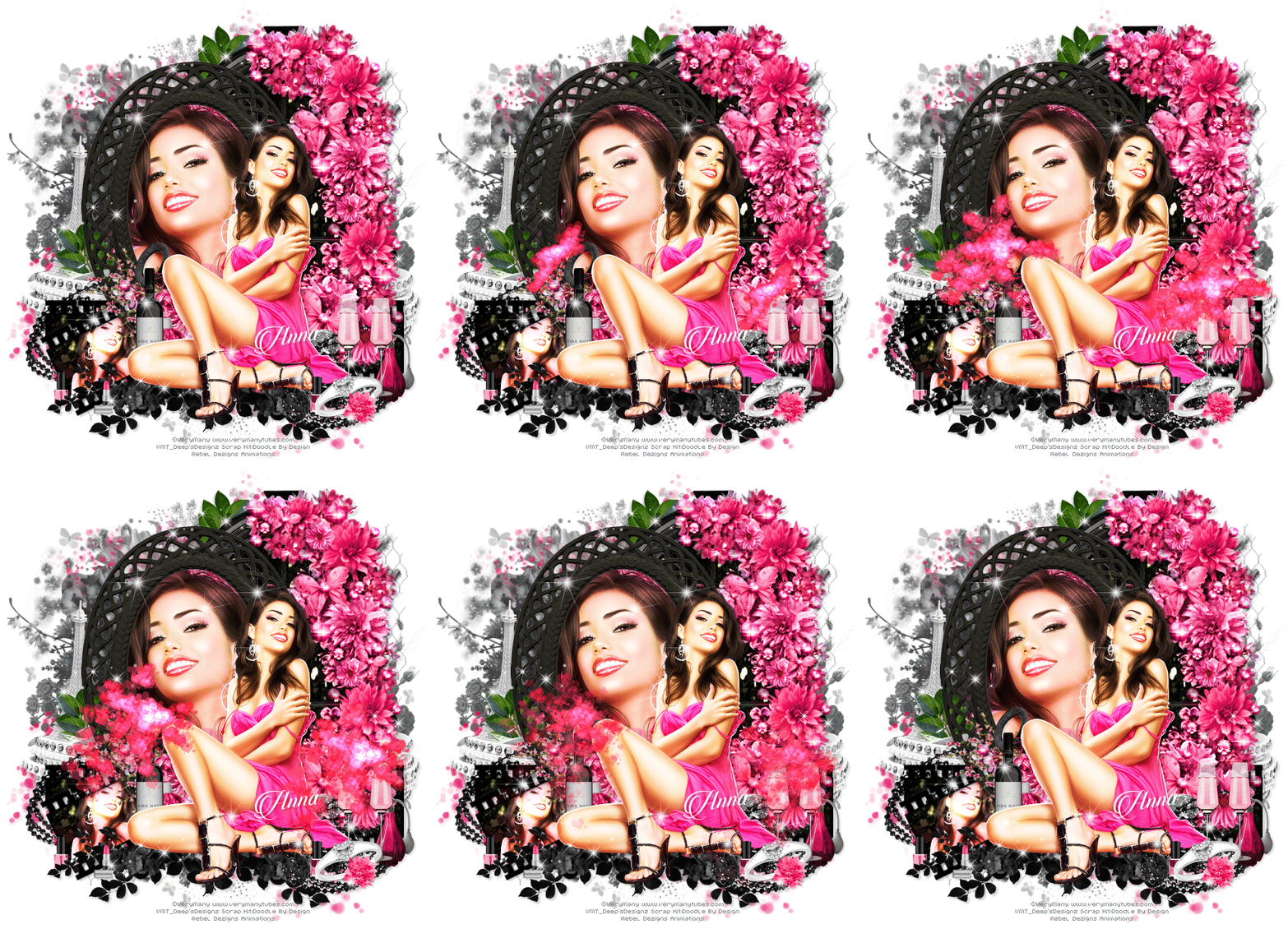
Tube à sua escolha. Eu usei a arte de Dean Yeagle em
CDO.
Dean Yeagle 54-2 Individual Tube
here.
Font à sua escolha, eu usei Zimbabwe Script e Bjola.
Rebel Dezigns Animation Packages
2 e
470.
Vamos Começar!
1- Abra uma imagem de 500x250 pixels.
Escolha 2 cores contrastantes de seu tube e forme um Gradient nas seguintes configurações:
Foreground=#d80202 Background=#eeac26
Foreground/Background
Angle= 0 Repeats= 5
Pinte a imagem com este Gradient.
Effects/Reflection Effects/Kaleidoscope nas seguintes configurações:

2- Nomeie esta layer Gradient.Layers/Duplicate e ative a Cópia da layer Gradient. Selections/Select All.
Abra o tube. Edit/Copy. Edit/ Paste Into Selection.
Selections/None.Effects/Image Effects/ Seamless Tiling/Defaut (nas configurações originais).
Adjust/Blur/Gaussian Blur Radius=16. Adjust/Sharpness/Sharpen.
Effects/ Filter Factory Gallery M/Loom.Adjust/Sharpness/Sharpen.
Mude o Blend Mode dessa layer para Overlay.
Esconda a visibilidade dessa layer. Ative a layer Gradient.
Effects/ Filter Factory Gallery M/Loom. Adjust/Sharpness/Sharpen.
3- Adicione nova layer e pinte com a cor: #122448. Aplique a Mask 103-kris. Layers/Merge/Group.
Mude o Blend Mode dessa layer para Burn. Adjust/Sharpness/Sharpen.
Posicione como desejar.
Adicione nova layer, pinte com a cor e aplique Narah_mask_Abstract127. Layers/Merge/Group.
Posicione como desejar.
Adicione uma Word Art ao seu gosto ou crie uma como a minha "Catchin' some rays" ou ao seu gosto.
Eu usei a font Bjola no tamanho 12 (Floating), cor branca.Layers/Promote Selection To Layer.
Selections/Modify/Expand=1, adicione nova layer e pinte com a cor #f6dd33. Layers/Arrange/Move Down.
Selections/Modify/Expand=1, adicione nova layer e pinte com a cor #ef0000. Layers/Arrange/Move Down.
Selections none. Ajeite ao seu gosto. Ative a layer de cor Branca, Layers/Merge Down e novamente Layers/Merge Down.
Drop Shadow: H/V=2 Opacity=16 Blur=3 Cor=#000000. Aplique.
Duplique a layer 5 vezes e terá 6 layers wordart. Posicione ao seu gosto ou como mostrado na tag.
4- Abra seu tube, copie e cole como nova layer, resize desejado.
Aplique Drop Shadow nas seguintes configurações:
V=2 H=-10 Opacity=30 Blur=3 Color=#000000 Shadow ON NEW LAYER= Marcado (Checked).
Ative novamente o tube. Layers/Duplicate e mude o Blend Mode para Soft Light. Layers/Duplicate e novamente Soft Light.
Aplique o plugin Xero/Radiance nas seguintes configurações:
Adjust/Brightness/Contrast:
Brightness=8 Constrast=6 e aplique 2 vezes.
Adicione seu texto (Font Zimbabwe Script) e uma Drop Shadow: V=2 H=2 Opacity=16 Blur= 3
Adicione créditos de copyrights.
Adicione bordas ao seu gosto.
Salve sua tag como .png ou adicione Animations e salve como .gif.
Sem Animação!