Mostrando postagens com marcador Jennifer Janesko. Mostrar todas as postagens

terça-feira, 8 de dezembro de 2020

All I Want For Christmas


New CT Tag featuring the art of Jennifer Janesko and scrap kit by KBK.


Jennifer Janesko 133-1 Individual Tube can be found here.


Scrap kit KBK IB Sheena Pike December 2015 BT here.


Rebel Dezigns Animations Packages 402, 499, 558 and 166 here.

segunda-feira, 20 de janeiro de 2020

Lavishly Loved


New CT Tag featuring the art of Jennifer Janesko and Scrap Kit by Dees'Sign Depot.

Tube can be found here.


Scrap Kit can be found here.


Rebel Dezigns Animation Package 436 here.


domingo, 23 de dezembro de 2018

-:- Jingle Rock -:-


New CDO CT tag featuring the art of Jennifer Janesko and Squirrelly Cluster Frame and scrap kits by Dees'Sign Depot.


Jennifer Janesko 133-1 Idividual Tube can be found here.


Another Tag using the art of PinUp Toons.


Cluster Frames  and Clusters here.


Bundle here.


Rebel Dezigns Animations , Package 376 and 400 here.


quinta-feira, 8 de novembro de 2018

-:- Autumn Splendor -:-


Autumn Splendor


Material Necessário


Tube à sua escolha. Eu usei a arte de Jennifer Janesko, a qual poderá ser encontrada aqui.
Font:Jannet aqui.
Masks aqui e aqui.
Plugin: VanDerLee/Distortion.
Animations e Animation Shop (opcional).


1- Abra uma imagem de 500x250 pixels.
Faça um Gradient com as seguintes configurações mudando o Foreground para Foreground/Background.
Foreground= #f44826
Background= #00071e
Style= Radial
Angle= 0
Repeats= 4
V/H=50
Preencha a imagem com este Gradient.
Adjust/Blur/Gaussian Blur = 14. 
Aplique.
Plugin: VanerLee/Distortion/Deviation = 10
Repeat Edges
Effects/Edge Effects/Enhance.
Layers/Duplicate. Mude o Blend Mode dessa layer para Soft Light e diminua a Opacity dessa layer para 80%.
Effects/Edge Effects/Enhance.

2- Adicione nova layer e pinte com a cor #ebefe9. Aplique a mask ildiko@create0031_mask, aqui.
Layers/Merge Group. Adjust/Sharpness/Sharpen. Aplique uma Textura ao seu gosto (Blinds, texturas do PSP, etc...).
Adicione nova layer e pinte com a cor #00071e.
Aplique a mask mask edith 37, aqui.
Layers/Merge Group.
Adjust/Shapness/Sharpen.

3- Abra o tube, copie e cole como nova layer. Resize desejado.
 Posicione como mostrado na tag.
Layers/Duplicate e mude o Blend Mode dessa layer para Soft Light.
Diminua a Opacity dessa layer para 90%. 
Ajust/Sharpen.
Ative a layer original do tube e aplique a seguinte Drop Shadow:
V= 5
H= 3
Opacity= 50
Blur= 2
Color= #000000
Shadow On A New Layer= Marcado.
Aplique.
Adicione seu texto, copyrights, bordas e salve como .png.

Caso deseje, adicione animations ao seu gosto.
Eu usei Rebel Dezigns Animation Package-389, aqui.


quinta-feira, 15 de março de 2018

-:- Longing For Your Touch -:-


Material Necessário
Tube and Close Up tube.Eu usei a arte de Jennifer Janesko,a qual poderá ser adquirida em CDO.
Plugins:
Alien Skin Xenofex2-Constellation,
Filter Factory Gallery E-Metal Peacocks(Importe para o Filters Unlimited 2.0/Import Into Filters Unlimited 2.0).
Font:Mr Keningbeck e Battle Lines.


Vamos Começar!

Abra uma imagem de 550x200 pixels.Forme um Gradiente com as cores do seu tube.
Eu usei as seguintes cores:
Foreground=#fdfaf9
Background=#1c6c9d
Style=Linear
Angle=0 Repeats=1 Invert=Desmarcado
Aplique.Adjust-Blur-Gaussian Blur
Radius=10,00
Aplique.
Abra o tube,copie,cole como nova layer,posicione e resize ao seu gosto.
Aplique Drop Shadow nas seguintes configurações:
V/H=5
Opacity=40
Blur=14,00
Cor=Preta
Shadow On New layer=Marcado

2- Ative a layer Gradient.
Effects Plugins-Filters Unlimited 2.0 - Filter Factory Gallery E-Metal Peacocks,nas configurações originais.


Renomeie esta layer Metal.
3- Abra o close up tube,copie,cole como nova layer sobre a layer metal.Posicione à esquerda,como mostrado na tag.
Mude o Blend Mode dessa layer para Soft Light,Reduza a Opacity dessa layer para 80%.
Cole novamente,como nova layer,o close up tube,à direita da tag.Repita o mesmo processo descrito acima.
Adicione seu texto,ao seu gosto,adicione marca,créditos de copyrights.

4- Adicione nova layer,no topo,para a borda.
Select-all,Select-Selection Borders:
Inside(Marcado)/Anti-Alias=Marcado/Border Width=1
Preecha com a cor #32060c.
Adicione nova layer,layers move down.
Select-all,Select-Selection Borders:
Inside(Marcado)/Anti-Alias=Marcado/Border Width=3.
Preencha com a cor:#fdfbfa.
Adicione nova layer,layers move down.
Select-all,Select-Selection Borders:
Inside(Marcado)/Anti-Alias=Marcado/Border Width=4.
Preecha com a cor #32060c.
Aplique a mesma drop shadow anterior.

5-Abra o Animation Shop.
No PSP,ative a borda Branca(a borda do meio).
Aplique o Plugin Xenofex 2-Constellation,na seguinte configuração:


Edit-Copy Merged.

No AS:Paste as New Animation.

No PSP,undo e aplique novamente o plugin,mas clique em Random Seed.

Edit Copy Merged.

No AS:Paste After Current Frame.

No PSP,undo e repita o processo mais duas vezes,até que tenha 4 layers.

No AS,veja como ficou sua animação,clicando em "View Animation".

Salve sua tag como .gif.


Outro Exemplo!
Exemplo usando Animation By Simone (SimoneAni71-TheBlingSeries-002.psd), aqui.


Espero que tenha gostado deste tutorial!


Este tutorial foi escrito por Deep em 14 de Abril de 2014.


-:- Time Will Tell -:-


New CDO CT animated tag featuring the art of Jennifer Janesko and IB Jennifer Janesko-November2016-BT by Chichi Designz.

Jennifer Janesko Individual Tube 180-3 can be found here.

Or Jennifer Janesko Package 180 here.

Scrap Kit can be found here.


quarta-feira, 21 de fevereiro de 2018

-=- My Darling Angel -=-


New CT Animated Tag featuring the art of Jennifer Janesko and My Darling Angel, scrap kit and Cluster Frame by Dees'Sign Depot.

Jennifer Janesko Individual Tube 176-3, here.

Or Jennifer Janesko Package 176, here.

Scrap Kit can be found here.

Cluster and Cluster Frames can be found here.

Bundle can be found here.


terça-feira, 7 de novembro de 2017

-=- Awareness -=-


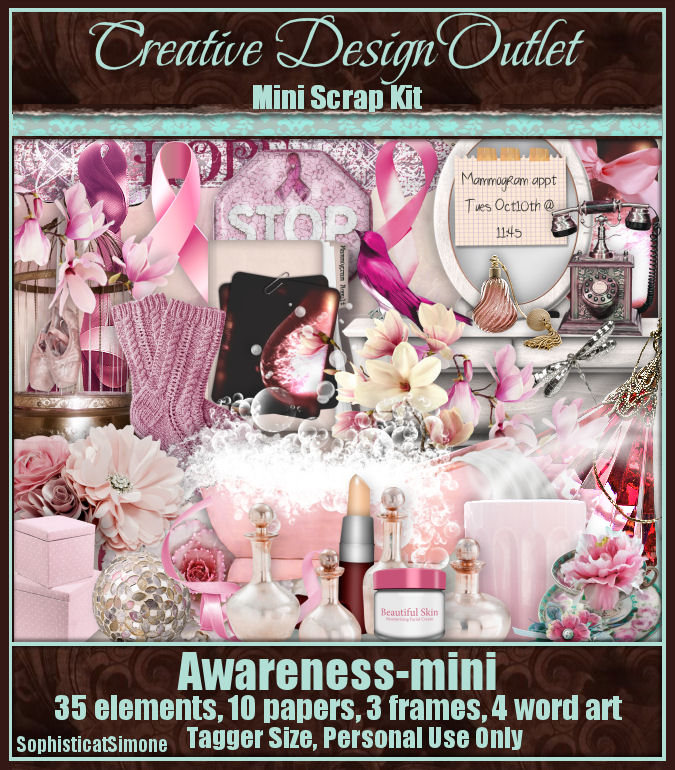
New CT Animated Tag featuring,Awareness Mini, Scrap kit by Sophisticat Simone and the art of Jennifer Janesko.


Scrap Kit can be found here.


Tube can be found here.


quarta-feira, 5 de julho de 2017

-=- Broken Again -=-


New CT Animated Tag featuring, Broken scrap kit and Cluster Frame by Dees'Sign Depot and te art of Jennifer Janesko.


You can find scrap kit and Clusters/ Clusters Frames here.

Or Bundle here for extra savings.


Tube can be found here.


domingo, 23 de abril de 2017

-=- Sweet Nothings -=-


New CT Animated Tag featuring ,New CT Animated Tag featuring ,Sweet Spring scrap kit and Cluster Frame by Dees'Sign Depot and the art of Jennifer Janesko.

Scrap Kit and Clusters Frames  can be found here.


quinta-feira, 23 de fevereiro de 2017

-=- Inner Beauty -=-


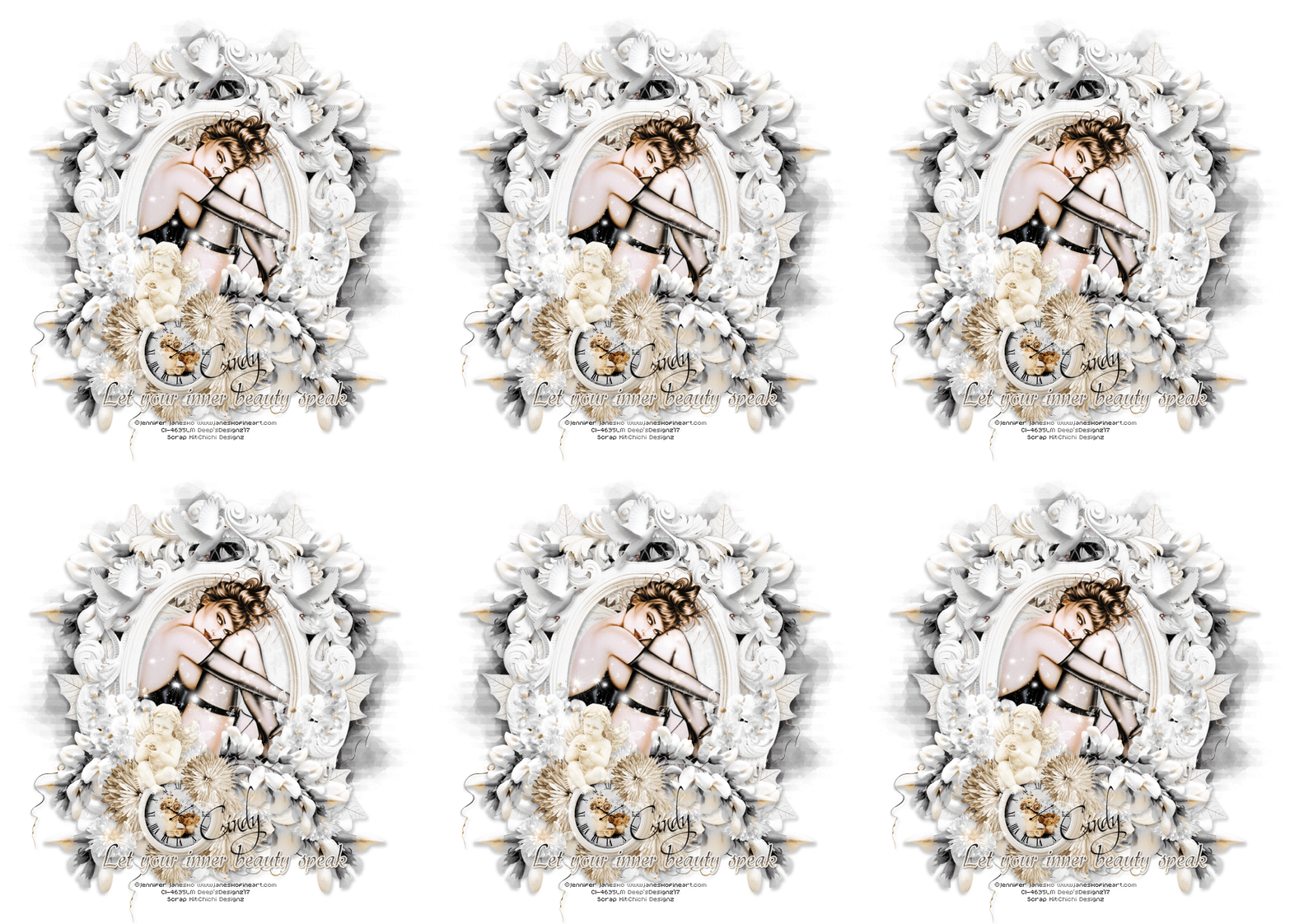
 New CT Tag featuring IB-Jennifer Janesko-November2016-BT,scrap kit by Chichi Designz.


Scrap Kit can be found here.


Tube here.

sábado, 10 de dezembro de 2016

-=- Cryptic -=-


New CT Animated Tag featuring, Cryptic, scrap kit by Honored Scraps and the art of Jennifer Janesko.

Scrap kit can be found here.


Tube can be found here.


quinta-feira, 24 de novembro de 2016

-=- Happy Holidays -=-


New CT Animated Tag featuring,SophisticatSimone's portion of CDO Christmas Collab 2016.


You can get this collab for FREE if you buy any 3 CDO scrap kits between now & 10pm PST 30th November 2016.
You can buy ANY three kits you want - An Inspired By kit, a mini, a regular, a mega kit and even artist bundle kits. You can also mix and match, it doesn't matter who the designer is!
So just buy any 3 kits and we will automatically send you the collab for FREE! 

Scrap Kit can be found here.


Tube can be found here.