sexta-feira, 10 de março de 2017

-=- Luck Of The Irish -=-


New CT Animated Tag featuring the art of Sara Butcher at CDO.

Sara Butcher Individual Tube 46-1 (20.00 % off) can be found here.


Sara Butcher Package 46 can be found here.

FTU scrap Kit by Dees'Sign Depot here.


Gorgeous animations by Lovey here.


terça-feira, 7 de março de 2017

-=- Happy Day Chocolat -=-


New CT Tag featuring the art of Chris Pastel and matching scrap kit, Happy Day Chocolat, by Mysterfeerie Creation.

Tube can be found here.

Scrap Kit can be found here.


quinta-feira, 2 de março de 2017

-=- Floral World -=-


New CT Tag featuring the art of Anna Liwanag and Lin's Spring ,scrap kit by Chichi Designz.

Anna Liwanag Individual Tube 87-2 can be found here.


Or Anna Liwanag Package 87 here.

Scrap Kit can be found here.


Matching Cluster Frames here.


domingo, 26 de fevereiro de 2017

-=- Sweet On You -=-


New CT Tag featuring Sweet On You, scrap kit by Dees'Sign Depot and the art of Maryline Cazenave.

Scrap Kit can be found here.


Maryline Cazenave Individual Tube 54-1 can be found here.


quinta-feira, 23 de fevereiro de 2017

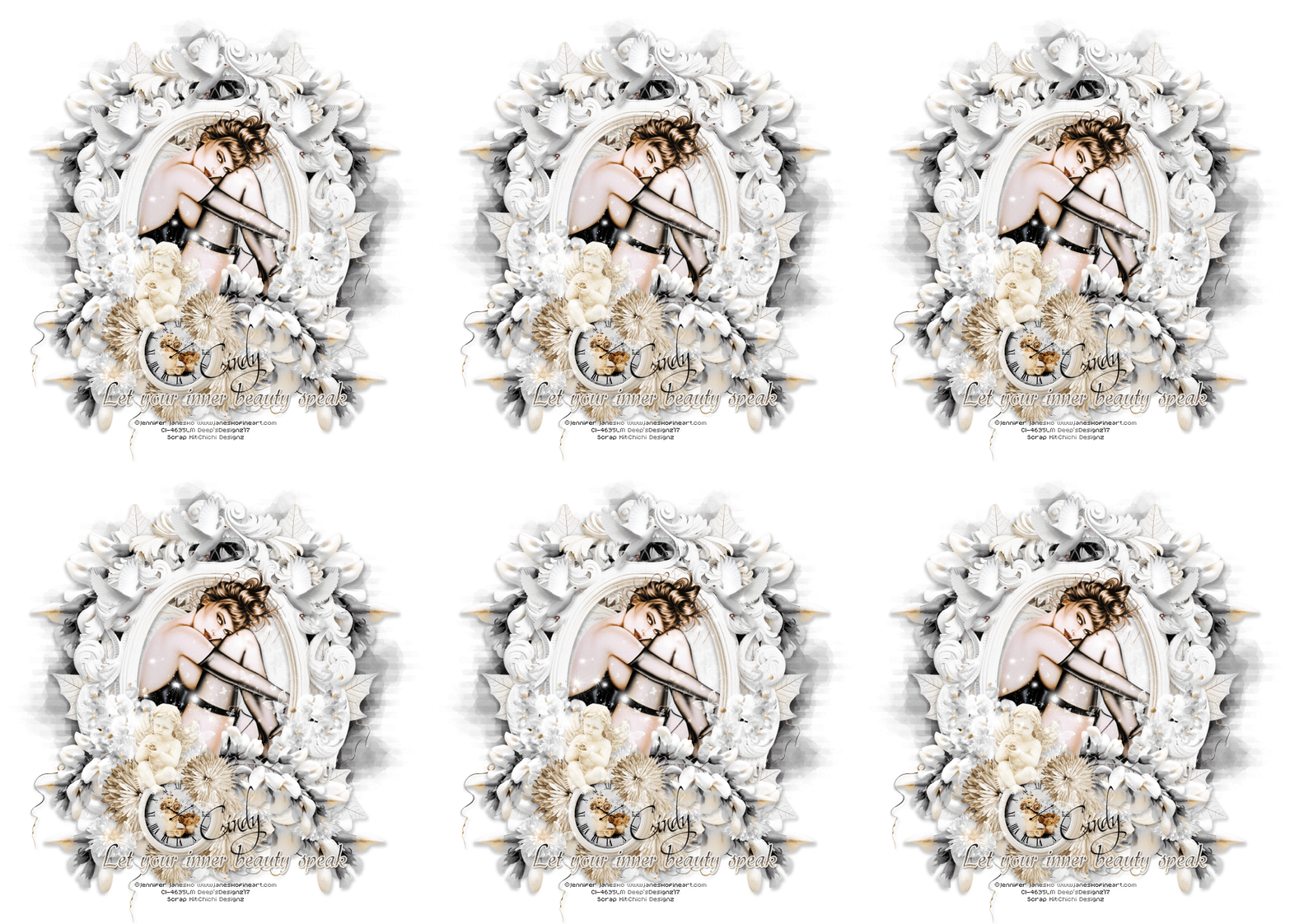
-=- Inner Beauty -=-


 New CT Tag featuring IB-Jennifer Janesko-November2016-BT,scrap kit by Chichi Designz.


Scrap Kit can be found here.


Tube here.

sexta-feira, 10 de fevereiro de 2017

-=- Morning Delight -=-


Material Necessário


Tube à sua escolha. Eu usei a arte de Karen Middleton, Karen Middleton Individual Tube 1411 ou Karen Middleton Package 141.
FTU scrap kit  Autumn Delight by MizTeeques aqui.
Mask à escolha ou 4flowermask.fecnikek (1).png, aqui.
Font à escolha ou Caramel Candy.


Vamos começar!

1- Abra uma imagem de 700x700 pixels e pinte-a de branco.
Abra Miz_AD_element 19.png copie, cole como nova layer.
Resize apropriado.
Image/Rotate/Free Rotate.
Direction= Left
Degrees= 7,00
Usando a Magic Wand tool, clique no interior da frame layer.
Selections/Modify/Expand=10.
Ative a layer background adicione nova layer.
Mantenha a seleção.

2- Abra Miz_AD_paper 2.jpg copie, paste into selection.
Selections/None.
Abra o tube, copie cole como nova layer.
Resize apropriado e posicione ao seu gosto ou como mostrado na tag.
Abra os seguintes arquivos:

Miz_AD_element 7.png
Miz_AD_element 23.png
Miz_AD_element 2.png
Miz_AD_element 21.png
Miz_AD_element 20.png
Miz_AD_element 39.png
Miz_AD_element 50.png
Miz_AD_element 54.png
Miz_AD_element 35.png
Miz_AD_element 46.png
Miz_AD_element 23.png
Miz_AD_element 50.png

Copie e cole cada um dando resize apropriado , duplicando -os e posicionando-os ao seu gosto ou como mostrado na tag.
Aplique Drop Shadow, o seu texto e créditos de copyrights.
Aplique mask/layers/merge group.
Ajuste sua tag ao seu gosto dando o crop desejado.
Feche a visibilidade da layer background, crop desejado e salve sua tag em formato .png .


Espero que tenha gostado deste simples e fácil tutorial!


Este tutorial foi escrito por Deep em 09 de Fevereiro de 2017.